
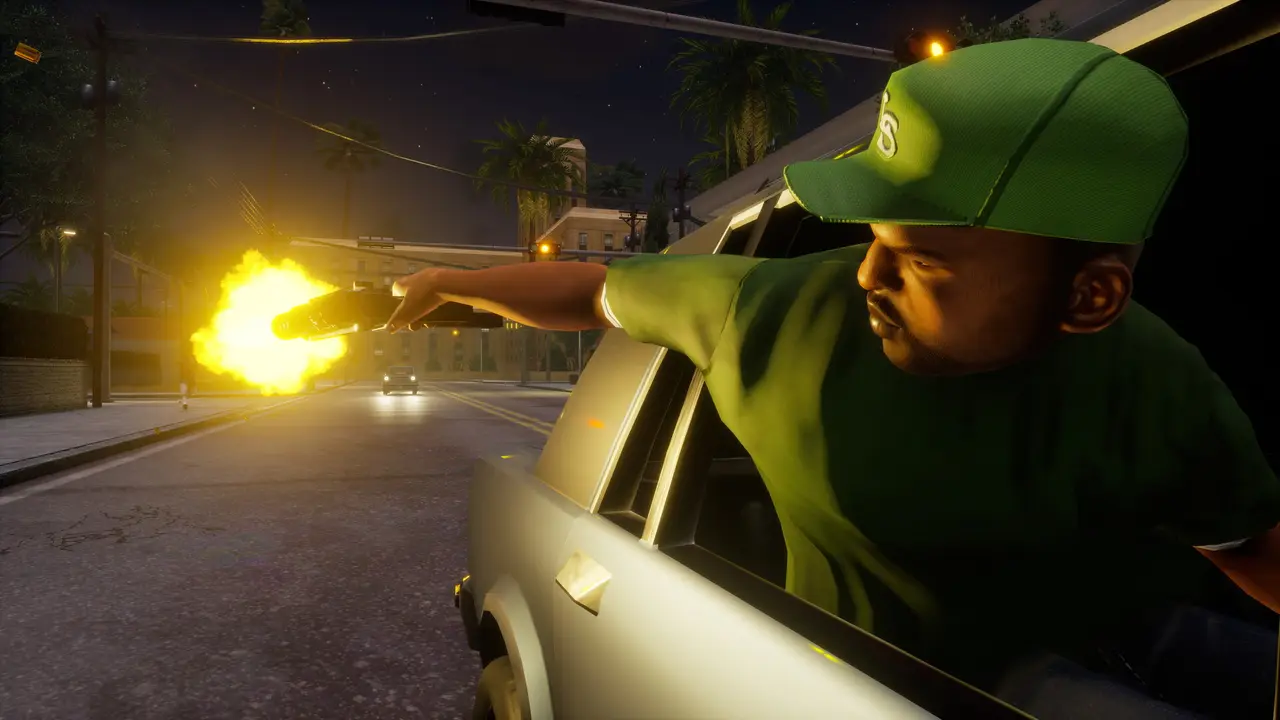
What do you need?
- System
- Windows 10 or 11
- Game
- GTA SA Definitive Edition
- Account
- Email or Google
- Game files
- Unchanged
How do I install it?
- Download the installer with the button above and run it.
- Choose an install folder (the default is fine).
- Start the launcher. It finds your installed game on its own.
The SHA-256 hashes of the installer and the ClamAV results for every release are on the Security page.
How do I join a server for the first time?
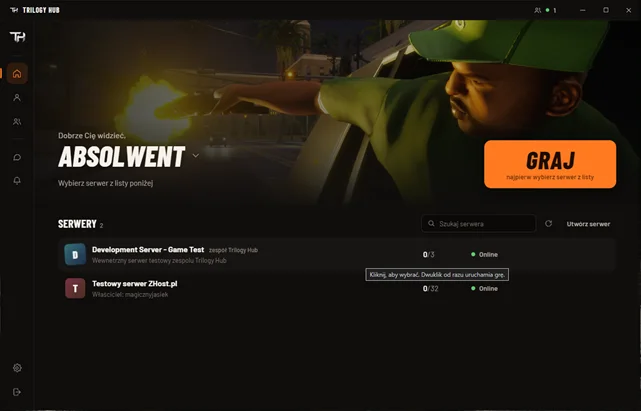
- Create an account with email or sign in with Google, and pick a nickname.
- Pick a server from the list.
- Click PLAY. The launcher starts the game, skips the intro, downloads the server's resources and puts you in the world.
How do I get notified about updates?
The launcher updates itself when it starts. If you want the changelog of every release posted to a channel on your Discord server, add that channel's webhook in your account settings (the same account as in the launcher). You can add up to three webhooks and remove them at any time.
Questions
What do I need to play?
A Windows 10 or 11 PC, your own copy of GTA: San Andreas Definitive Edition for PC and the Trilogy Hub launcher. In the launcher you create an account, pick a server and click PLAY.
Does Trilogy Hub change my game files?
No. Your game files stay untouched, and after you leave a server the game is exactly the same as before.