
- Trilogy Hub
- FAQ
Questions and answers
Everything you ask about most often. Your question is not here? Ask it on Discord.
What is Trilogy Hub?
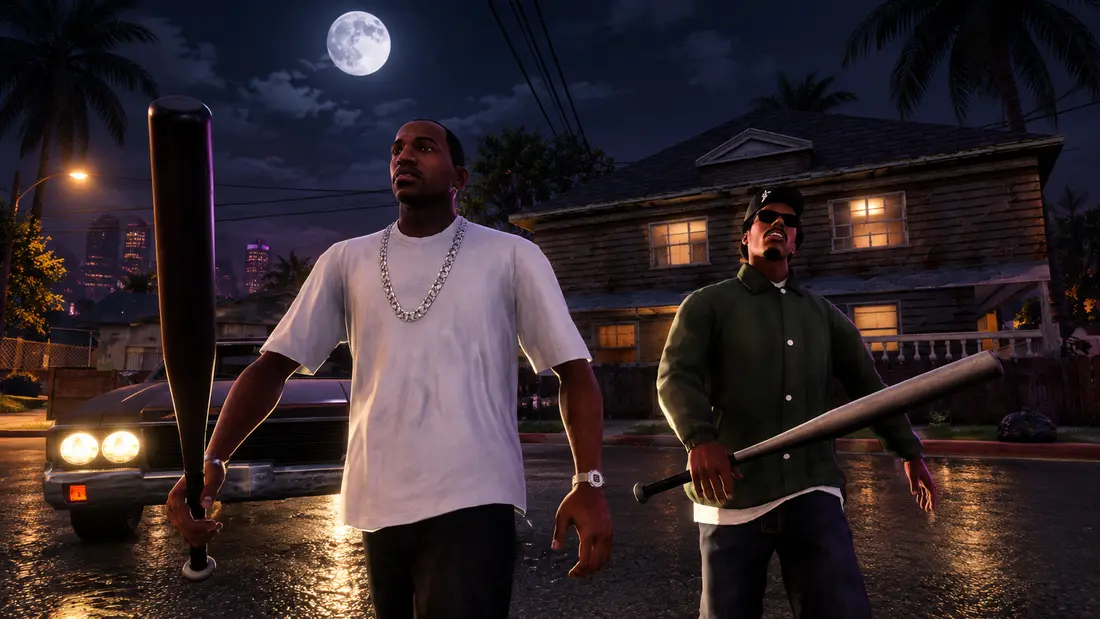
Trilogy Hub is an independent multiplayer mod for GTA: San Andreas Definitive Edition on PC. You join servers through the launcher, which also has your account, friends and chat. What happens on a server is decided by its Lua scripts.
Is Trilogy Hub the same as GTA: The Trilogy - The Definitive Edition?
No. GTA: The Trilogy - The Definitive Edition is the official Rockstar Games collection of three games: GTA III, Vice City and San Andreas. Trilogy Hub is an independent fan project that adds multiplayer to one of them, GTA: San Andreas Definitive Edition on PC. You buy the game on Steam or the Rockstar Store, and get the Trilogy Hub launcher from this site.
What do I need to play?
A Windows 10 or 11 PC, your own copy of GTA: San Andreas Definitive Edition for PC and the Trilogy Hub launcher. In the launcher you create an account, pick a server and click PLAY.
Does Trilogy Hub change my game files?
No. Your game files stay untouched, and after you leave a server the game is exactly the same as before.
How is Trilogy Hub different from MTA:SA?
They are two separate projects for different versions of the game. MTA:SA runs on the original GTA San Andreas, while Trilogy Hub runs on Definitive Edition (Unreal Engine 4). Scripting works in a similar way, and the Trilogy Hub launcher also gives you an account, friends and chat.
Will my MTA:SA scripts work?
Partly. The Trilogy Hub API uses a similar model: resources with meta.xml, events, exports and the same names for many functions. A ready-made resource needs reviewing, because not every function has a counterpart.
How do I set up my own server?
You start the server from the launcher. Put your Lua resources in the resources folder, start the server and publish it on the list so others can join.
Can I play with friends?
Yes. You add friends in the launcher, see who is online and chat with them. Pick a server from the list and join with the PLAY button.