
- Documentation
- Cursor
Catalogue
Cursor
A cursor drawn by the game: built-in shapes, custom images and one cursor for dxDraw, GUI and browsers.
The game's cursor, not the system's
showCursor shows a cursor drawn inside the game, in the same frame as the rest of the picture. The Windows cursor is hidden meanwhile, so there are no two arrows, no flicker and no lag behind the interface. One cursor serves dxDraw drawing, GUI windows and CEF browsers: over a text field it turns into a text beam on its own, over a window edge into resize arrows, over a browser link into a hand.
bindKey("m", "down", function()
    showCursor(not isCursorShowing())
end)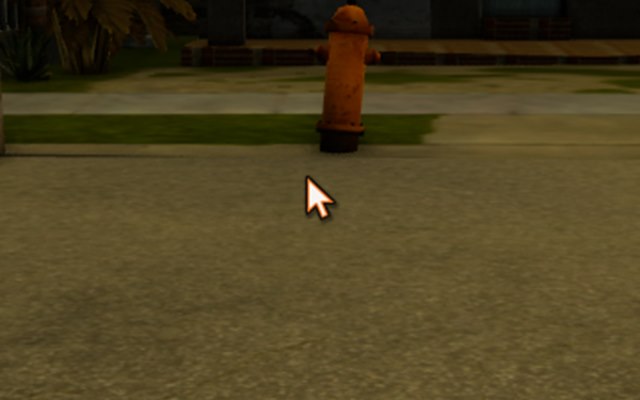
showCursor(true).Shapes
The shape changes by itself over GUI and browsers. setCursorType pins it, and setCursorType() with no argument hands control back.

arrow, hand, text, crosshair, wait, help, move, sizewe, sizens, sizenesw, sizenwse, no.| Name | When |
|---|---|
arrow | default arrow |
hand | something clickable |
text | text field |
crosshair | picking a point |
wait, progress | something is loading (spinning ring) |
help | a hint |
move | moving |
sizewe, sizens, sizenesw, sizenwse | horizontal, vertical and diagonal resizing |
no | action not available |
none | cursor hidden but still working (e.g. your own crosshair drawn with dxDraw) |
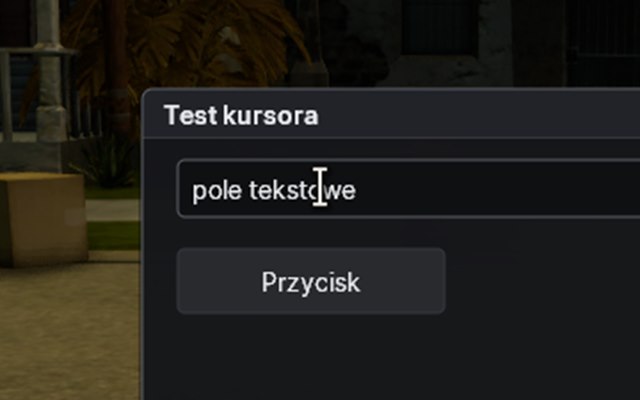
guiCreateEdit the cursor turns into the text beam by itself.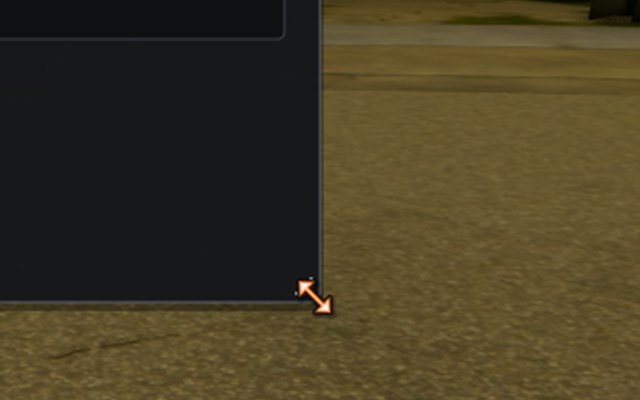
sizenwse.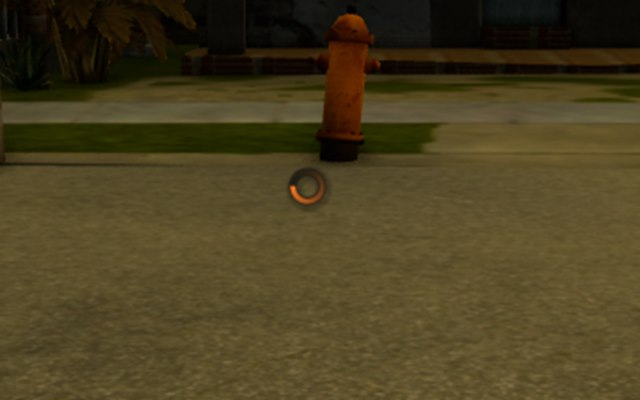
setCursorType("wait") while something loads.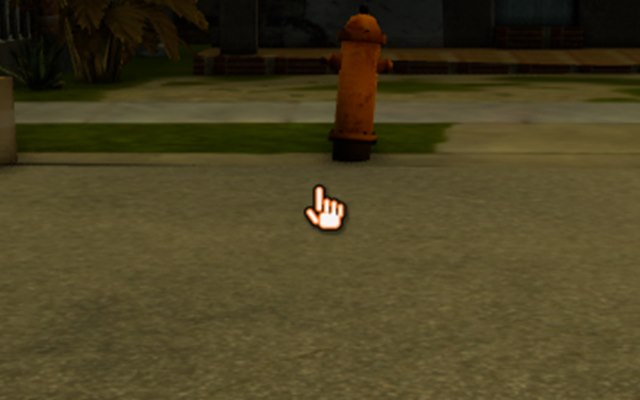
setCursorType("hand") over a custom dxDraw button.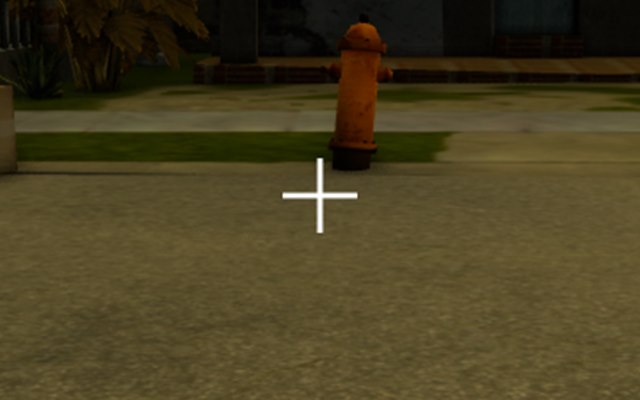
setCursorImage.Custom image
setCursorImage swaps the cursor for any image: a PNG file from the resource or a texture from dxCreateTexture or dxCreateRenderTarget. hotX and hotY are the click point inside the image, counted from its top-left corner.
-- 32x32 crosshair, clicks with its centre
setCursorImage("img/crosshair.png", 16, 16)

-- back to the built-in cursor
setCursorImage(false)
Pixels are copied at the moment of the call. If you draw the cursor into a render target and want to animate it, call setCursorImage again after every change.
Transparency and clean-up
setCursorAlpha sets the cursor's transparency (0 to 255). Shape, image and transparency are shared by all resources: when the resource that changed them stops, the cursor returns to the plain arrow, so one resource never leaves the others with a hidden cursor.