
- Documentation
- Particles
Catalogue
Particles
Moving particles simulated by the game: 14 ready-made effects, custom settings, attaching to vehicles and players, server effects everyone sees.
Your first emitter
An emitter is a "particle" element created on the client or the server. It releases particles that fly, spin, change colour and size, and finally fade out. The game runs all the physics, so your script does nothing per frame. The easiest start is a ready-made effect:
local x, y, z = getElementPosition(localPlayer)
local fire = createParticleEmitter(x + 2, y, z - 1, "fire")

-- put it out after 10 seconds
setTimer(destroyElement, 10000, 1, fire)
An emitter behaves like any element: setElementPosition, attachElements and destroyElement do what you expect. Stopping a resource cleans up its emitters.
Particles from the server
The same functions work in a server script. Every player sees a server emitter, also players who join later, and each player's game simulates and draws the particles on its own. Settings, presets, setParticleEmitterSettings, setParticleEmitterEnabled and burstParticles work just like on the client and reach everyone.
-- a campfire in the middle of the square, visible to everyone
local campfire = createParticleEmitter(2495, -1670, 12.5, "fire")

-- a firework above the player who types /show
addCommandHandler("show", function(player)
    local x, y, z = getElementPosition(player)
    createParticleEffect(x, y, z + 25, "firework")
end)
A server emitter follows setElementDimension, setElementInterior and setElementVisibleTo: a player in another dimension or interior does not see it and computes nothing for it. attachElements on the server attaches the emitter to a vehicle or a player for everyone. The texture field is a path to a client file of the same resource (<file> in meta.xml). A client script can change a server emitter only for itself, until the next change from the server; getParticleCount works only on the client, because every player has their own particles.
Ready-made effects
Pass a preset name instead of a settings table. The next argument overrides chosen fields and keeps the rest: createParticleEmitter(x, y, z, "fire", { rate = 60 }). getParticlePresets lists them with descriptions, getParticlePresetSettings returns the full settings of one.
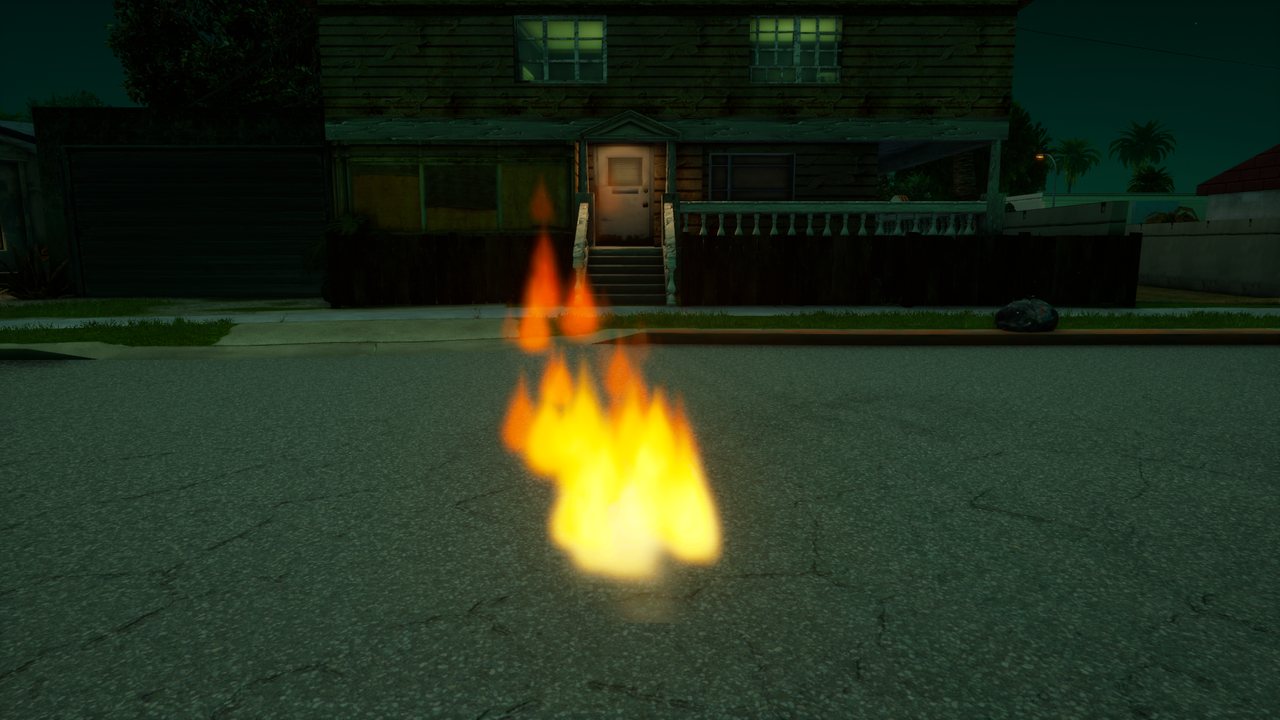
fireFlames rising from a campfire.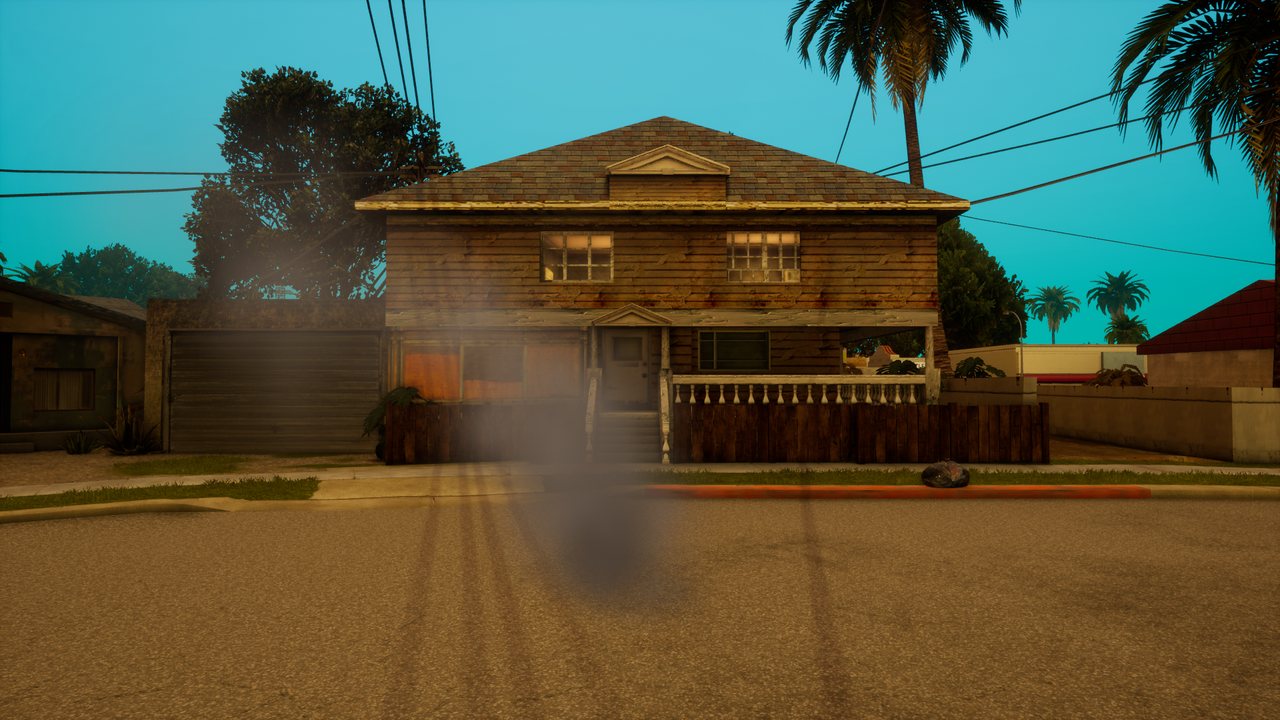
smokeThick smoke that grows and drifts away.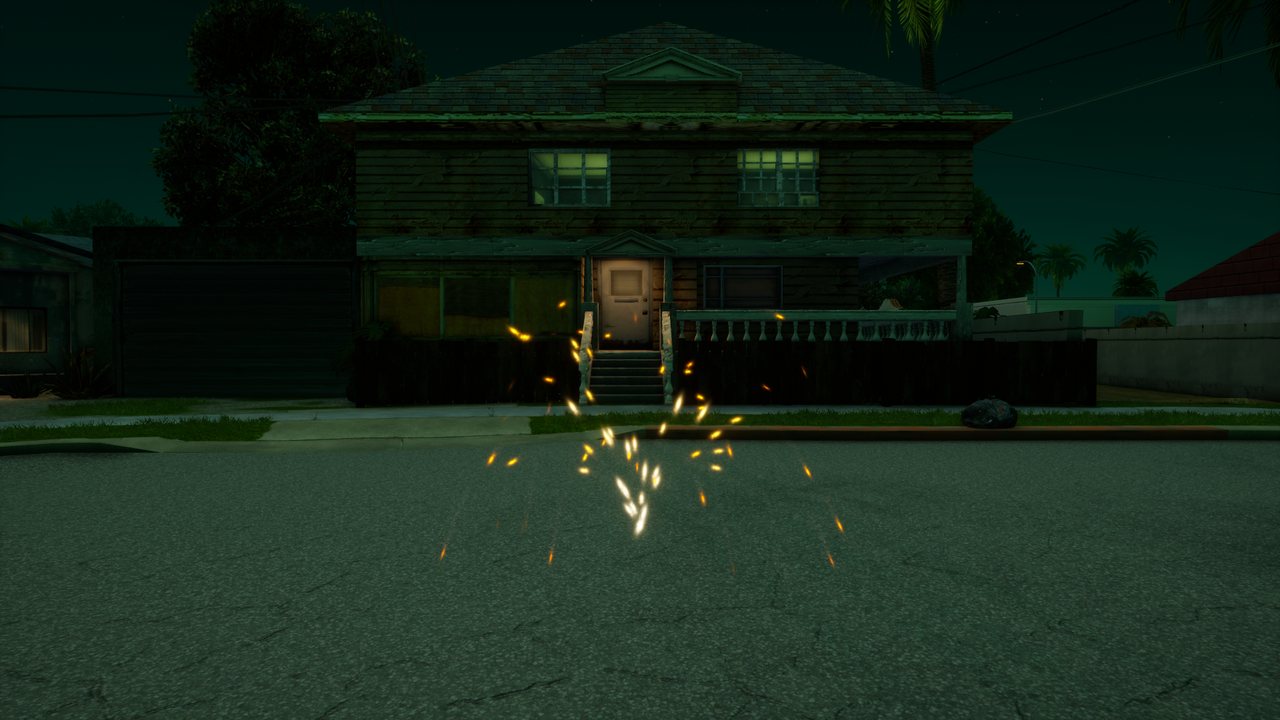
sparksA fountain of sparks falling under their own weight.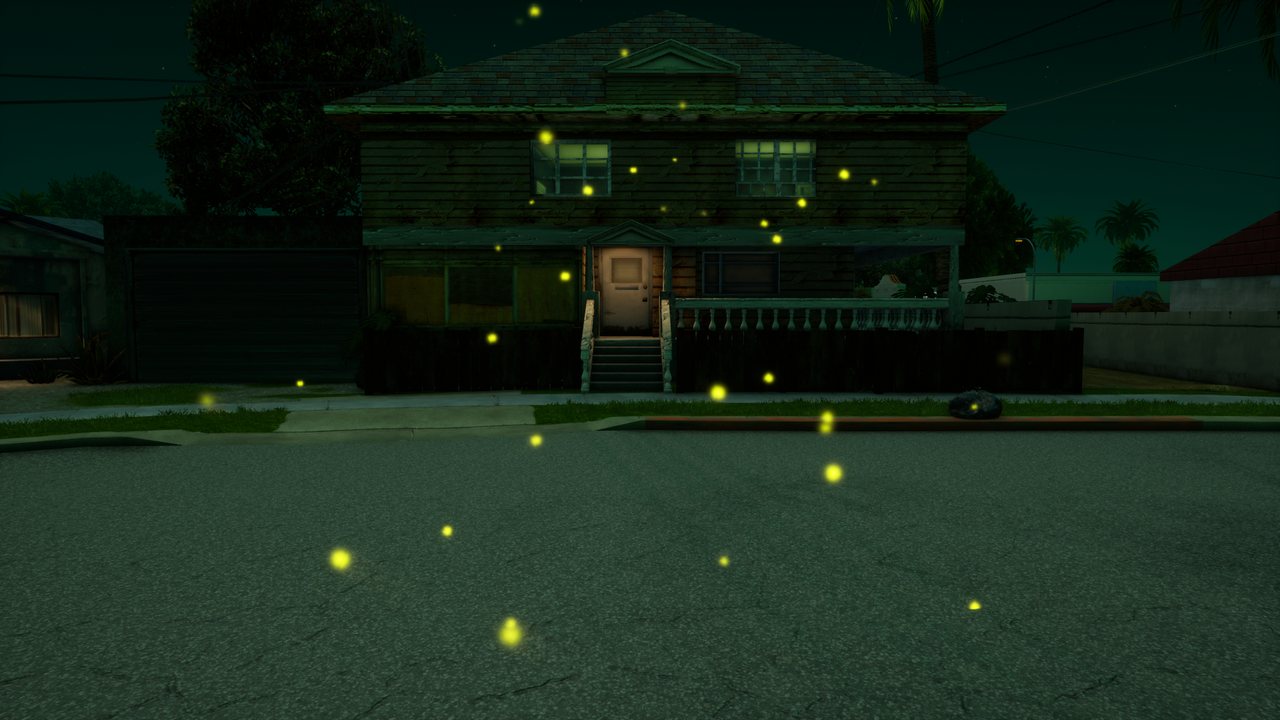
firefliesFireflies drifting lazily in the air.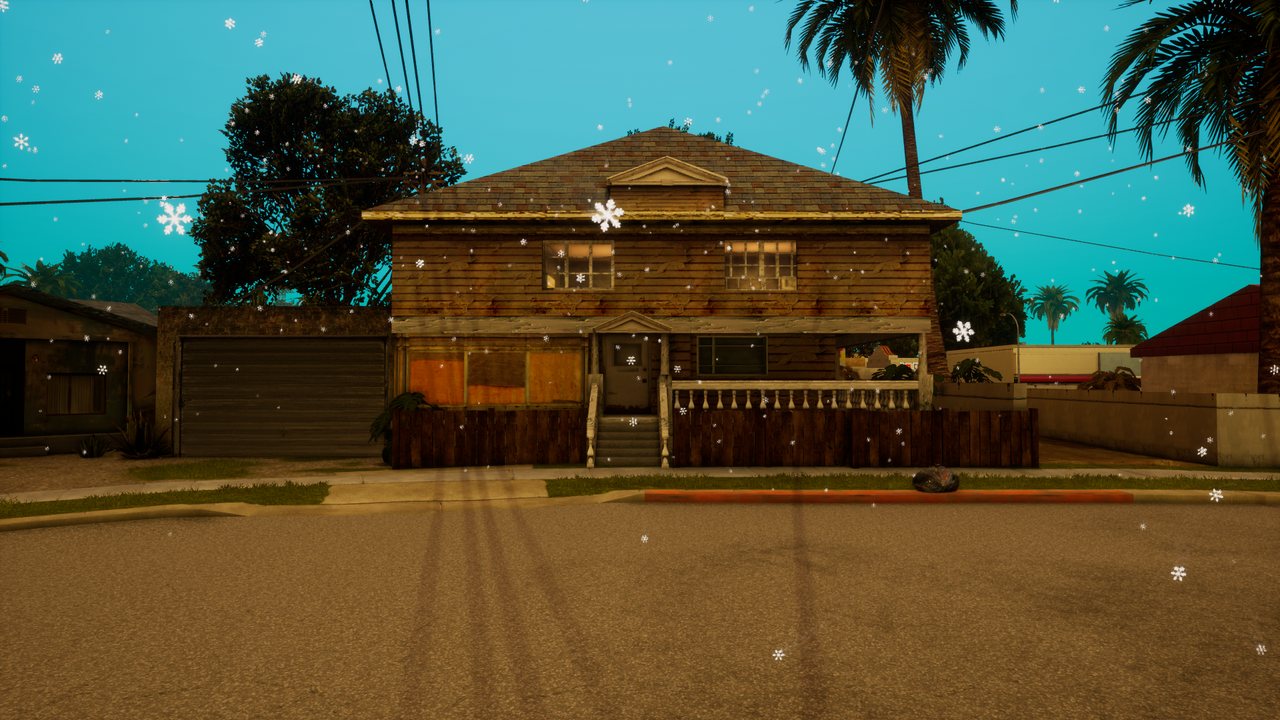
snowSnow falling from 8 m above the point.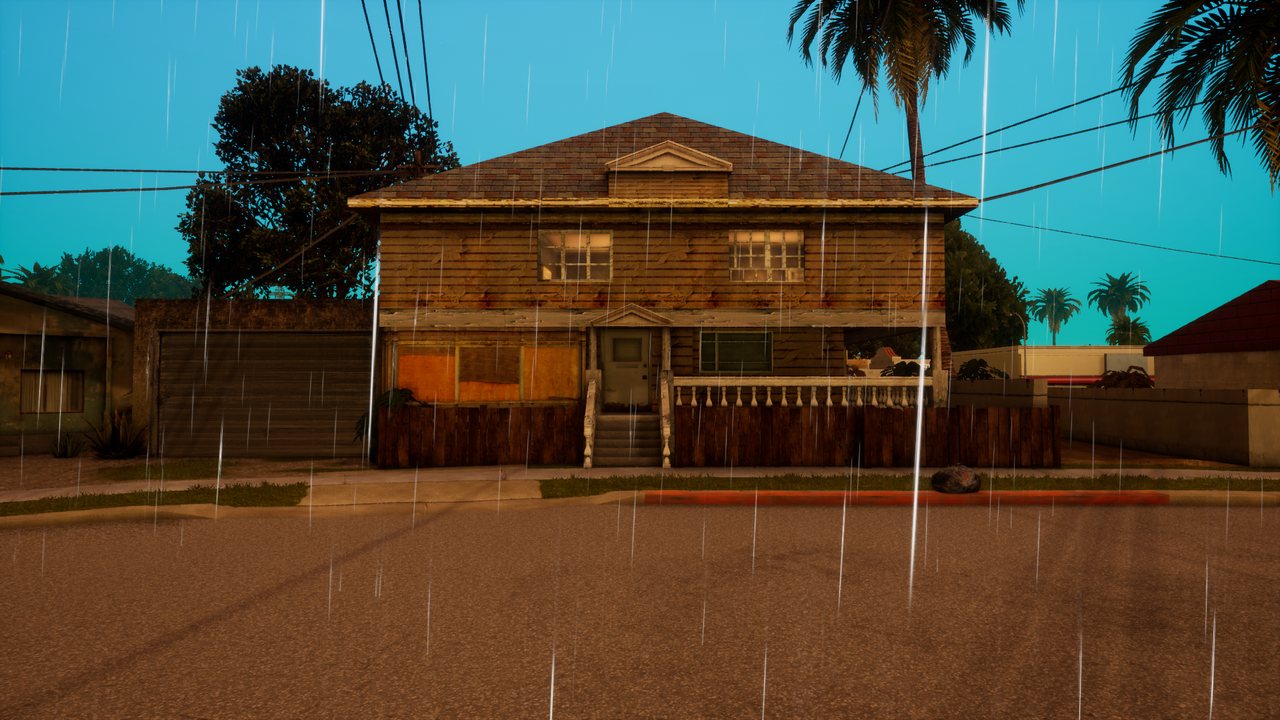
rainRain streaks from 12 m above the point.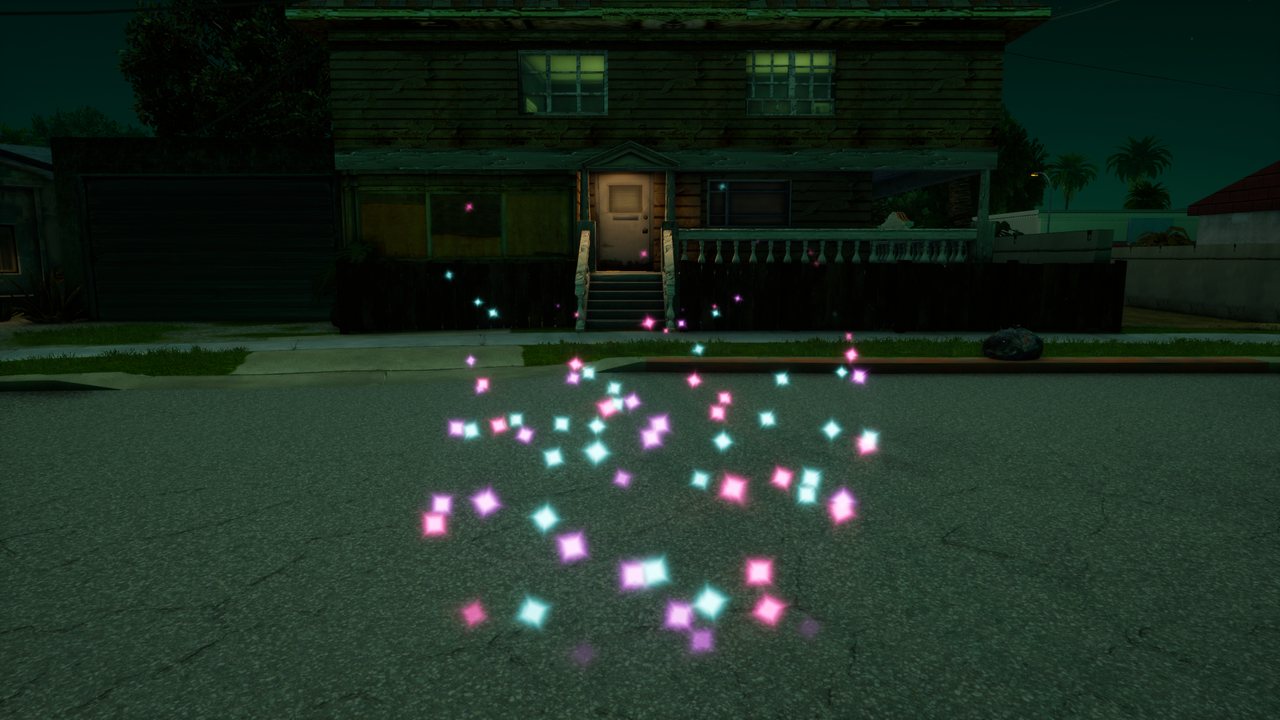
magicStars swirling upwards around the point.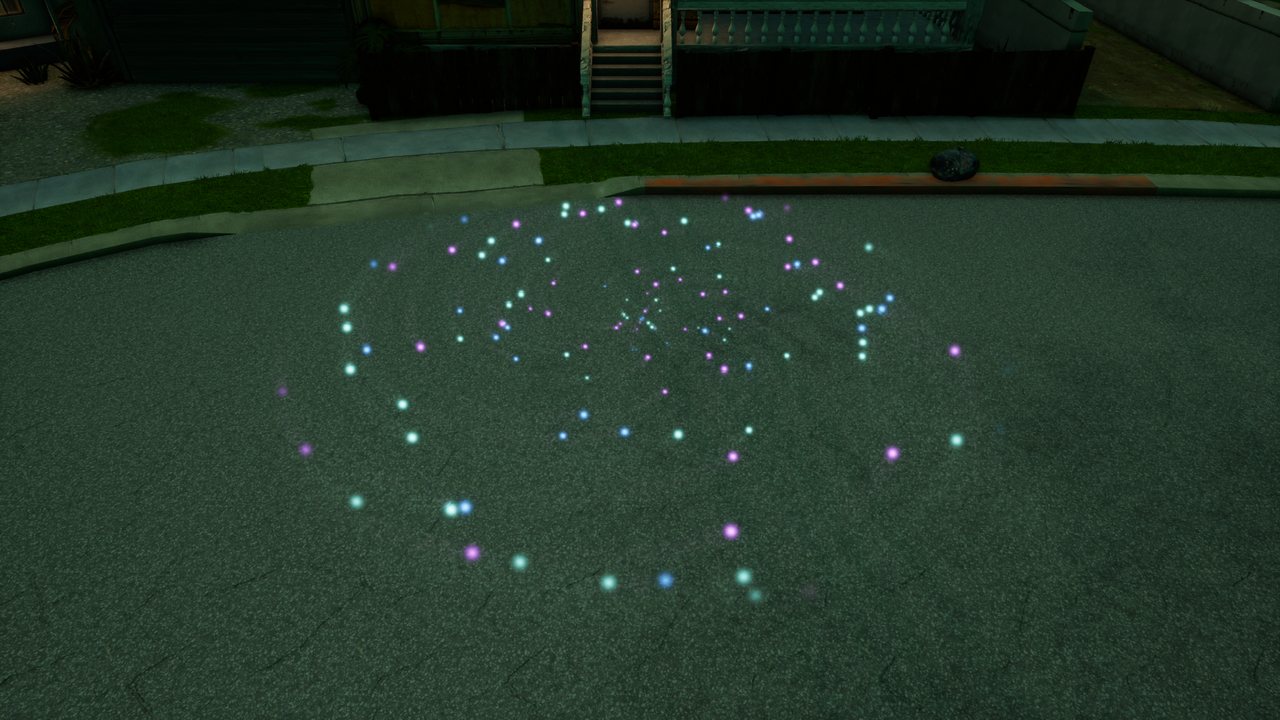
vortexA portal: particles pulled in on a spiral.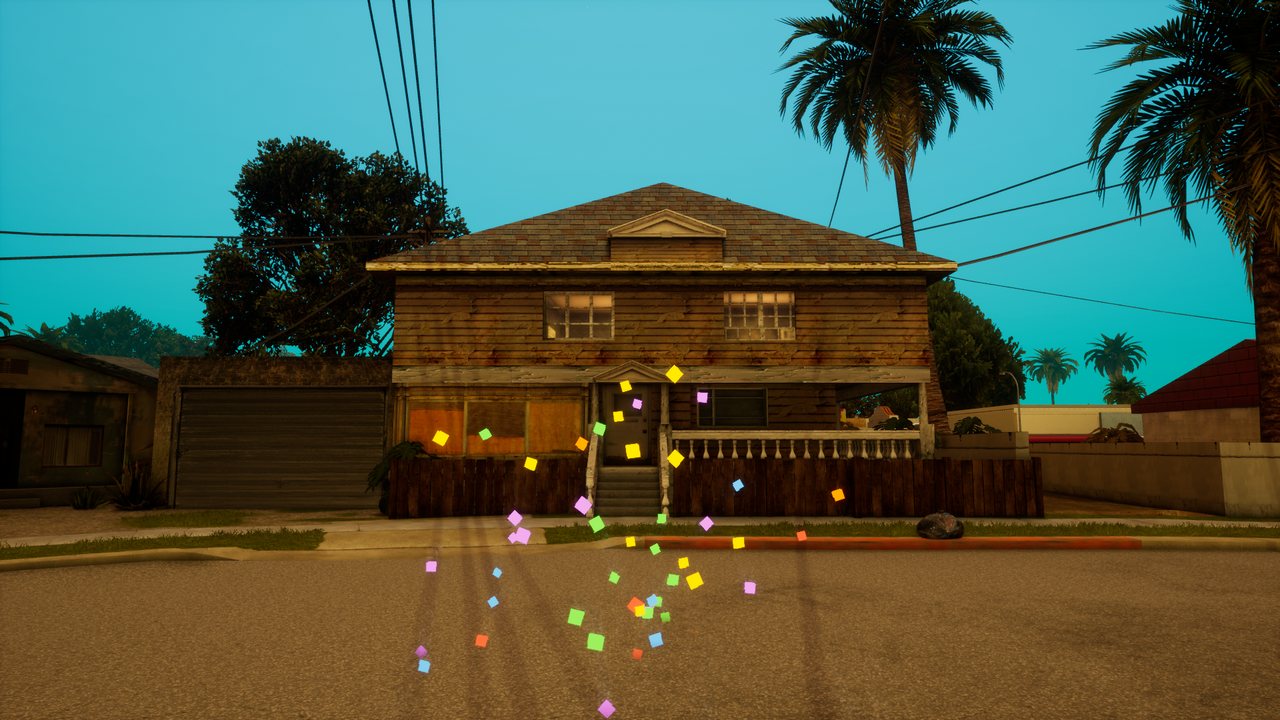
confettiColourful confetti shot upwards.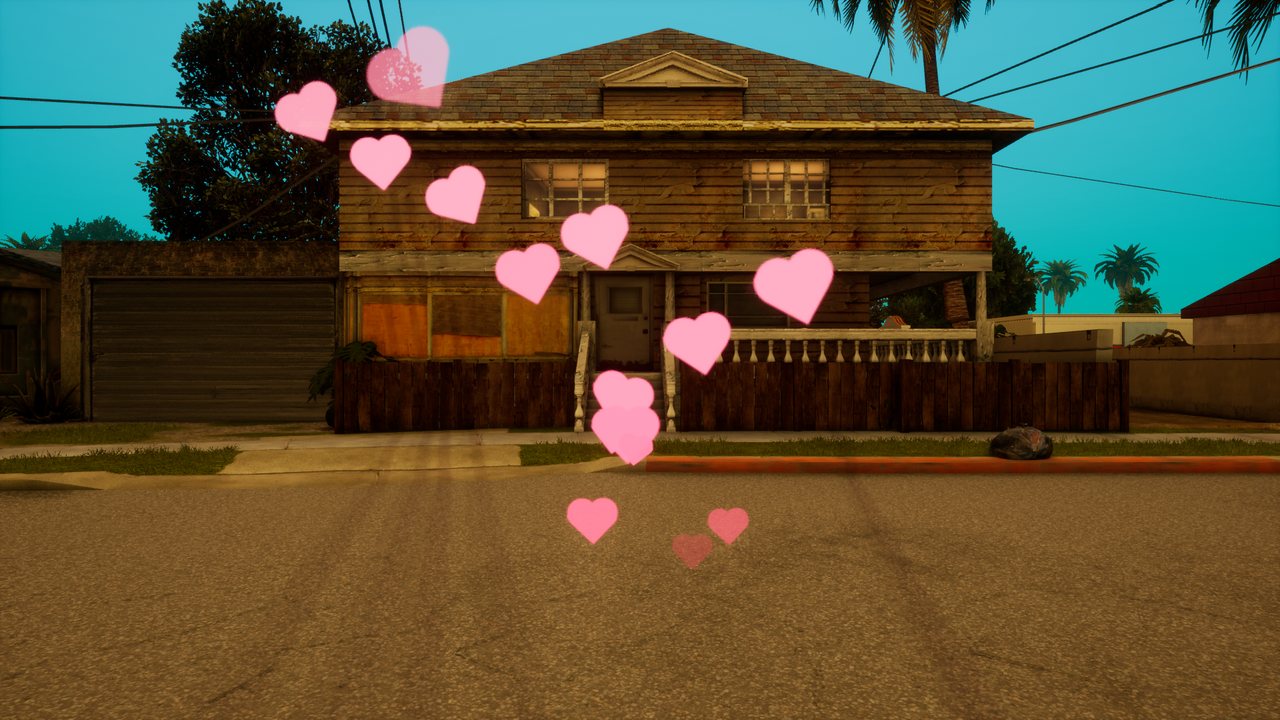
heartsHearts floating up slowly.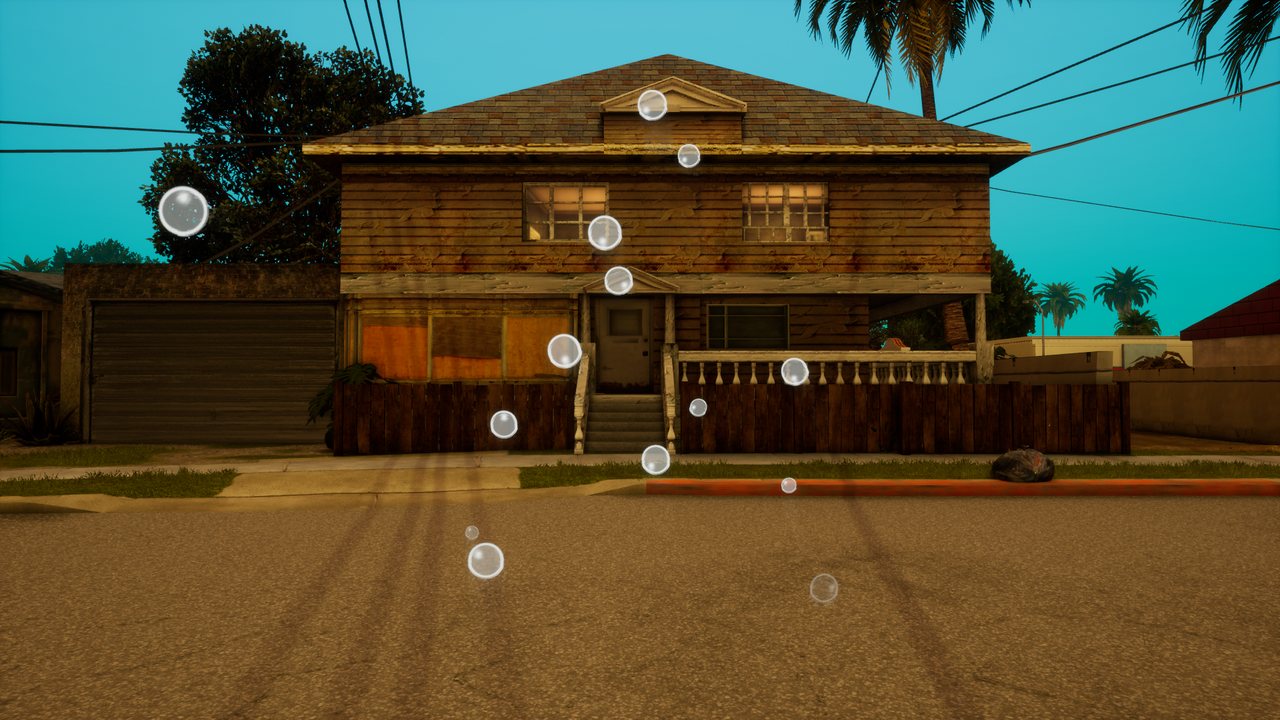
bubblesSoap bubbles drifting upwards.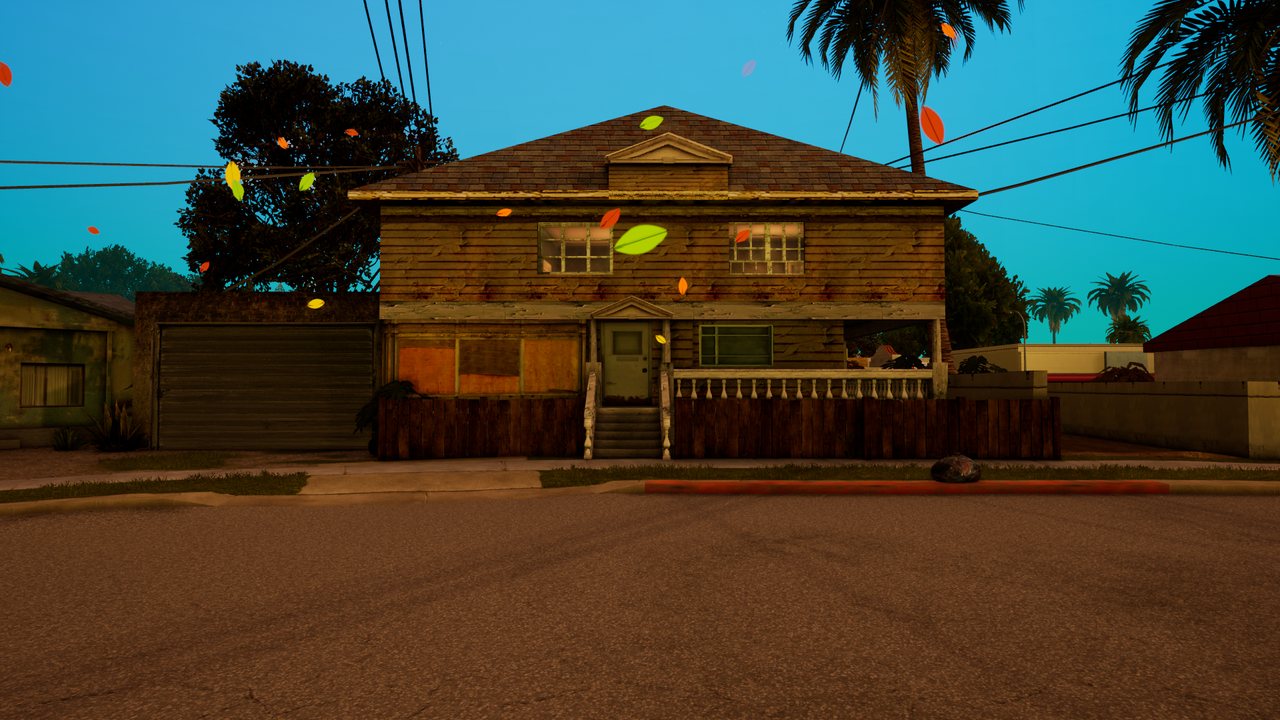
leavesLeaves carried by the wind.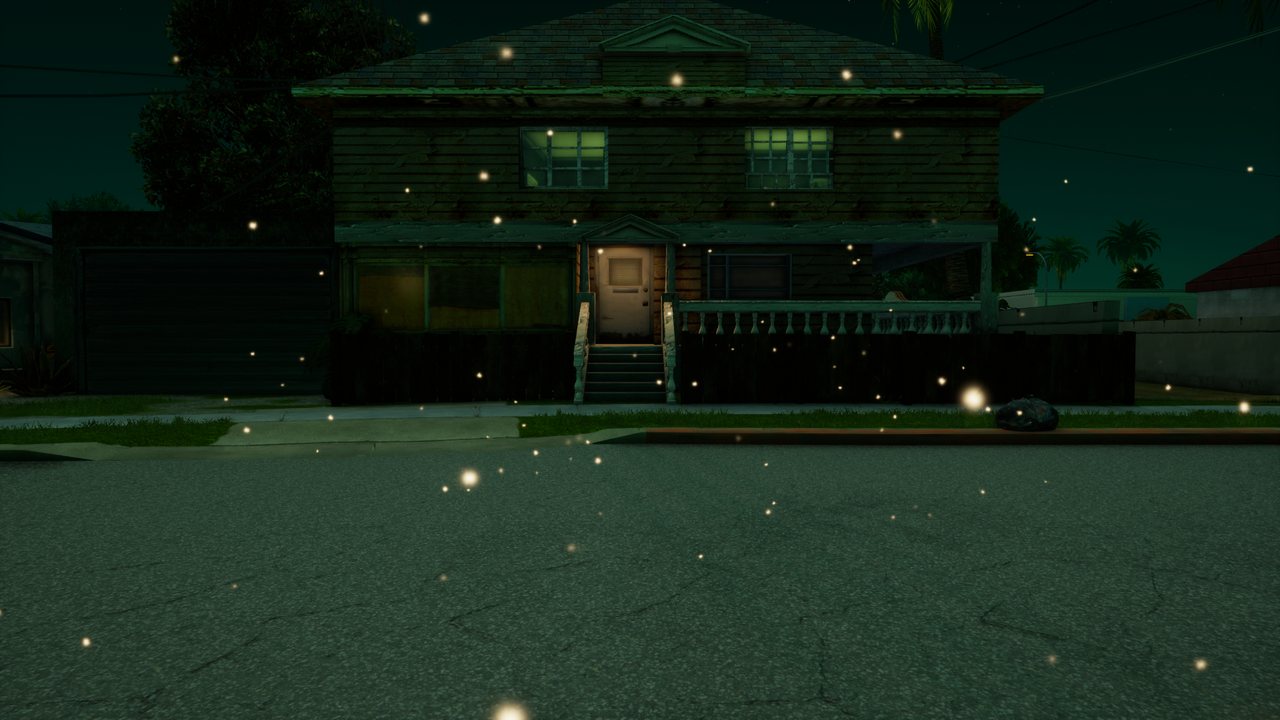
dustDust motes in the light.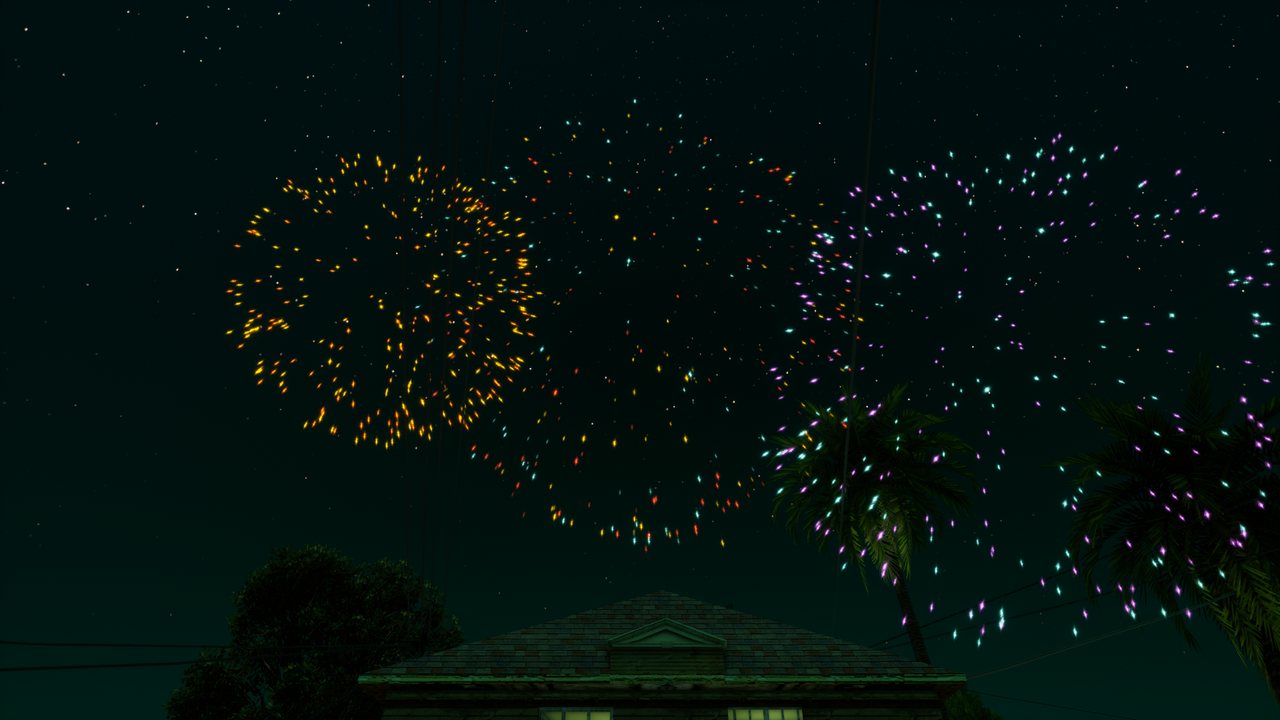
fireworkA one-off firework burst; the emitter removes itself.A short effect
createParticleEffect creates an emitter that runs for the given time and disappears once its last particle fades. No need to destroy it. burstParticles releases a given number of particles from an existing emitter at once.
-- sparks where a bullet hits, for half a second
addEventHandler("onClientPlayerWeaponFire", localPlayer, function(weapon, hx, hy, hz)
    createParticleEffect(hx, hy, hz, "sparks", 0.5, { rate = 300 })
end)

-- a firework above the player: the preset cleans up after itself
local x, y, z = getElementPosition(localPlayer)
createParticleEffect(x, y, z + 25, "firework")
Attaching
attachElements pins an emitter to a vehicle, player or object. The offset is in the element's own frame (X right, Y forward, Z up), so exhaust smoke stays at the pipe when the car turns.
local car = getPedOccupiedVehicle(localPlayer)
local smoke = createParticleEmitter(0, 0, 0, "smoke", { rate = 25, size = { 0.2, 1.4 }, life = { 1, 1.6 } })
attachElements(smoke, car, 0.45, -2.3, -0.35)
Custom settings
Pass a table instead of a preset name. Fields you leave out take their defaults. setParticleEmitterSettings changes chosen fields of a running emitter, and living particles pick up the new colour and size immediately.
local portal = createParticleEmitter(x, y, z, {
    sprite = "glow", shape = "ring", radius = 2,
    rate = 120, max = 300, life = { 1, 1.6 },
    velocity = { 0, 0, 0 }, orbit = 3, attract = 0.6,
    size = { 0.25, 0.05 },
    colors = { tocolor(120, 200, 255), tocolor(160, 90, 255, 0) },
})| Field | What it does |
|---|---|
rate, max | particles per second and the most alive at once (up to 2000) |
life | lifetime in seconds: a number or { min, max } |
duration | how many seconds the emitter keeps releasing (0 = forever) |
shape | where particles start: point, sphere, box, disc, ring, line |
radius, box | shape radius and box half-sizes { x, y, z } |
offset | emitter offset from the given point { x, y, z } |
velocity, spread | start velocity in m/s and a random extra on each axis |
speed | speed outwards from the emitter centre { min, max } (negative = inwards) |
gravity, wind, drag | gravity in m/s², a constant wind { x, y, z } and air drag |
turbulence, turbulenceScale | strength and fineness of the swirls |
orbit, attract | circling around the vertical axis (rad/s) and pull towards the centre |
size, sizeRandom | size in metres (a number or { start, end }) and random spread 0 to 1 |
spin, randomRotation | spin in rad/s { min, max } and a random start angle |
stretch | stretching along the direction of flight (sparks, rain) |
colors | colours over the particle's life, evenly spaced (tocolor) |
palette | colour variants 0xRRGGBB, each particle picks one |
fadeIn, fadeOut | share of the life spent appearing and fading out |
sprite, texture | a built-in shape or your own texture from dxCreateTexture |
blend | "add" glows (default), "alpha" normal opacity: smoke, leaves, confetti |
brightness | brightness 0 to 1 |
local | particles travel with the emitter instead of staying in the world |
floorZ, bounce | floor height and how much particles bounce off it |
maxDistance | beyond this distance from the camera the emitter computes nothing (200 m by default) |
burst, autoDestroy | particles released right after creation, and removal after the last one fades |
Particle shapes
The sprite field picks one of the built-in shapes. getParticleSprites returns the full list.

glow, spark, smoke, flame, circle, square, ring, bubble, drop, star, flake, heart, leaf.Shapes are white; colors and palette give them colour. Use the texture field for your own image (a texture or a path to a PNG file in the resource).
Performance
The game updates all emitters in one pass and draws them together with the rest of the world. An emitter further than maxDistance from the camera stands still and costs nothing. With many emitters at once, keep max in the hundreds rather than thousands: getParticleCount shows how many particles are really alive.